Monetize Your channel from day one
YouTube, Uncomplicated
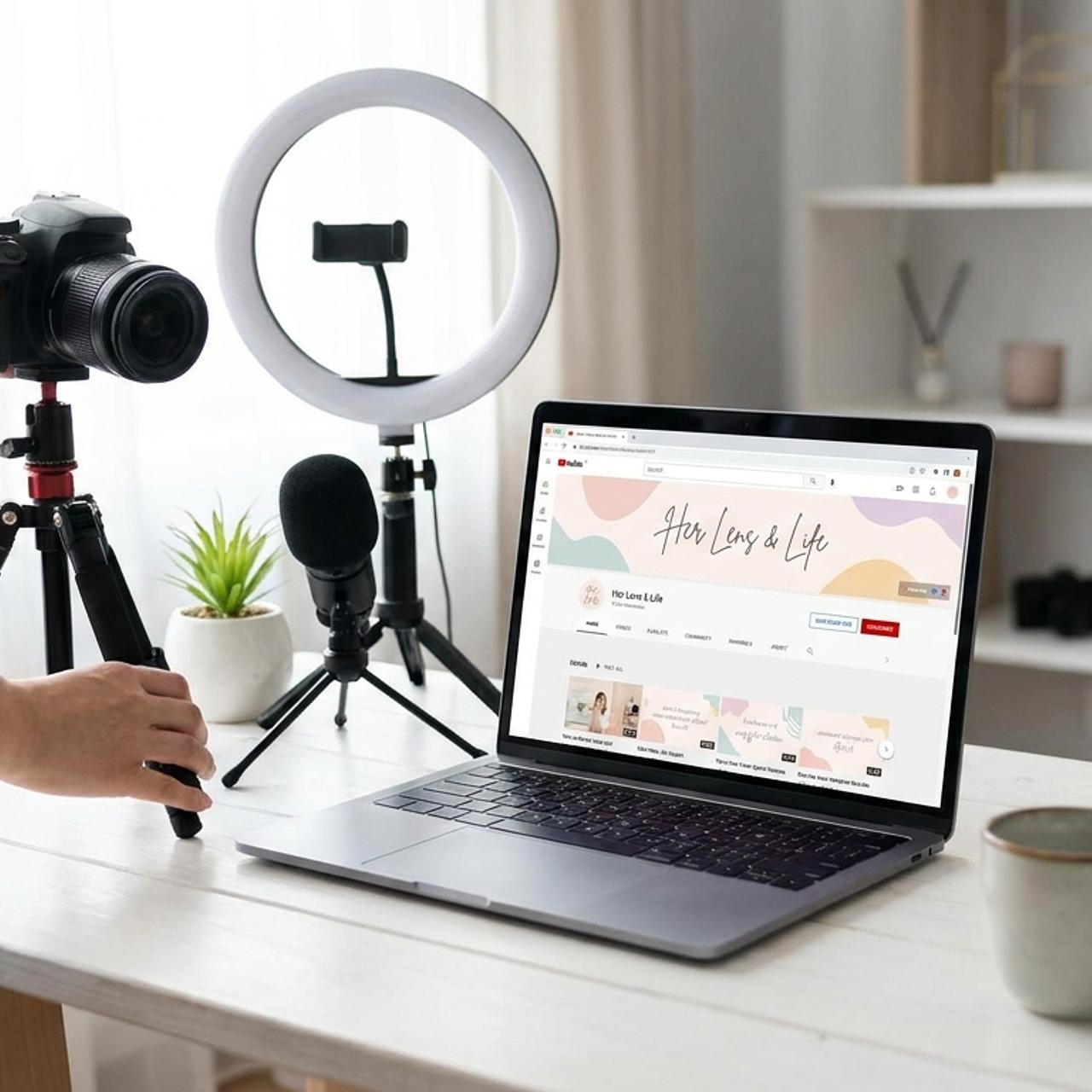
Build a YouTube channel that leads viewers to your product offer from the very first video. A step-by-step blueprint for setting up your channel & planning, filming, editing and publishing your first product playlist, without the overwhelm or the expensive gear.
The problem
Most channels advice is for younger creators.
The usual advice is to post consistently, chase views, and figure out how to make money once you have an audience. That can take years, plenty of channels never get there and at our age, ain't nobody got time for that.
This course cuts through the viral advice and focuses on turning your lived experience into income with very specific offers. We start with the mechanics of setting up your channel, planning a playlist that leads to sales, then we move to step-by step instructions for filming & editing your videos, and we wrap up with publishing them on YouTube.
This course cuts through the viral advice and focuses on turning your lived experience into income with very specific offers. We start with the mechanics of setting up your channel, planning a playlist that leads to sales, then we move to step-by step instructions for filming & editing your videos, and we wrap up with publishing them on YouTube.
What you'll walk away with
A channel that works like a billboard for your products.
- A channel planned around your offer
- A clear plan for who you serve, what you sell or give away, and how your channel points to it.
- A fully set-up channel
- Your channel configured the right way, plus a guided tour of YouTube Studio so nothing feels mysterious.
- Your first playlist, mapped
- A playlist plan with titles, descriptions and tags, built with a ready-to-use AI prompt and a free vidIQ account.
- A fast editing workflow
- Go from raw footage to published in under an hour by editing from the video transcript instead of a timeline.
- A publishing and promotion routine
- Publish each video the right way, then share it through blog posts, social media and Pinterest.
- A repeatable system
- A process you can run again for every new product or service, so your income grows with your library.
 01
 02
 03
 04
 05
 06
The curriculum
Six lessons, in the order you'll use them
Each lesson is a short, practical step.
1. Planning Your Channel, Start with the Offer
Decide what your channel is for and what you'll lead viewers to before you film a single video. A simple freebie counts. Includes the Lesson 1 worksheet.
2. Setting Up Your YouTube Channel, Offer First
Set up your channel step by step so every part of it points to your offer, then take a full tour of YouTube Studio. Includes the channel setup checklist.
3. Plan Your First Playlist Leading to Your Offer
Use the Playlist Builder prompt with vidIQ in Claude, ChatGPT, Perplexity or Gemini to map a playlist that can monetize your channel on day one. Includes the Playlist Builder AI prompt and a real example playlist plan.
4. Making & Editing Videos the Fast, Lazy & Easy Way
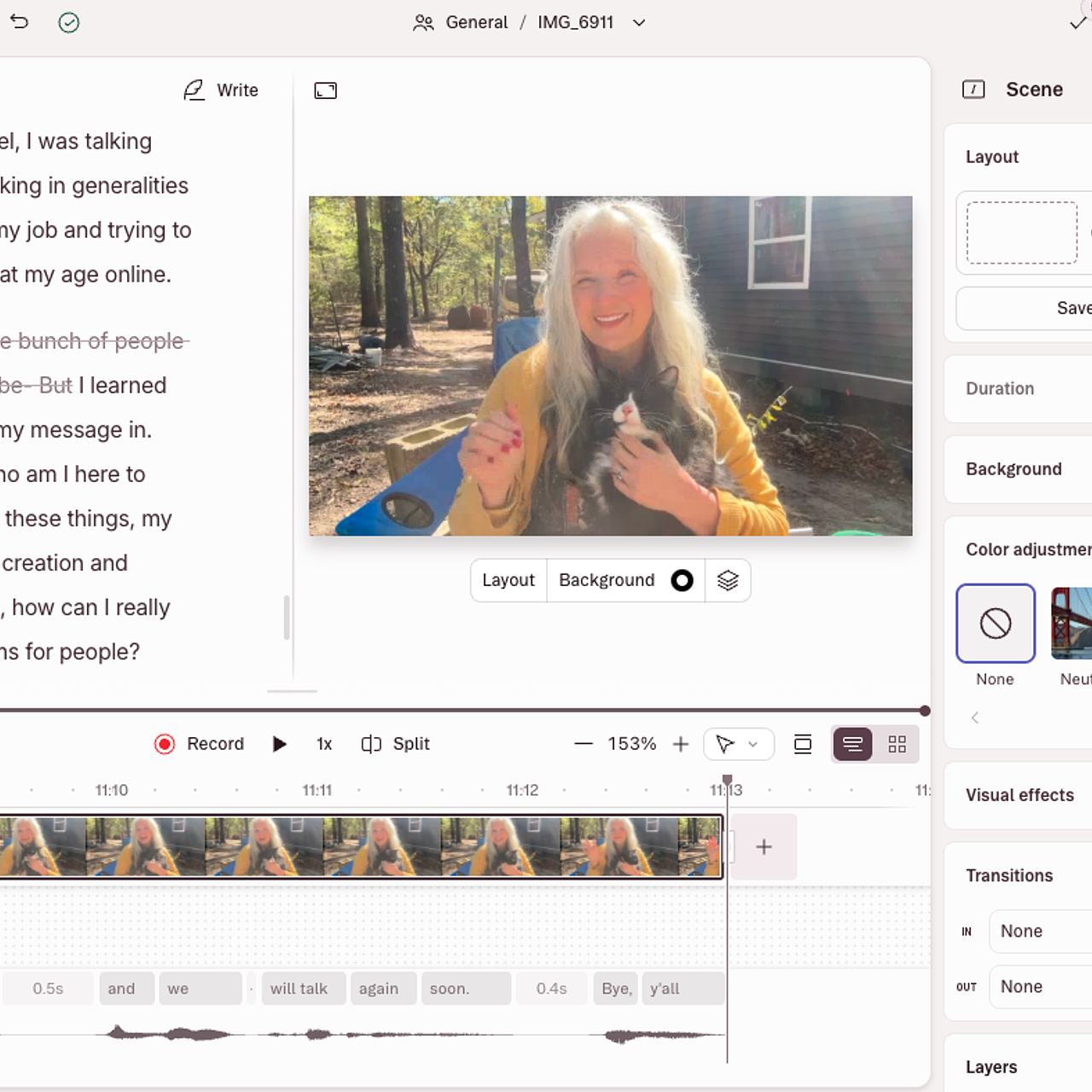
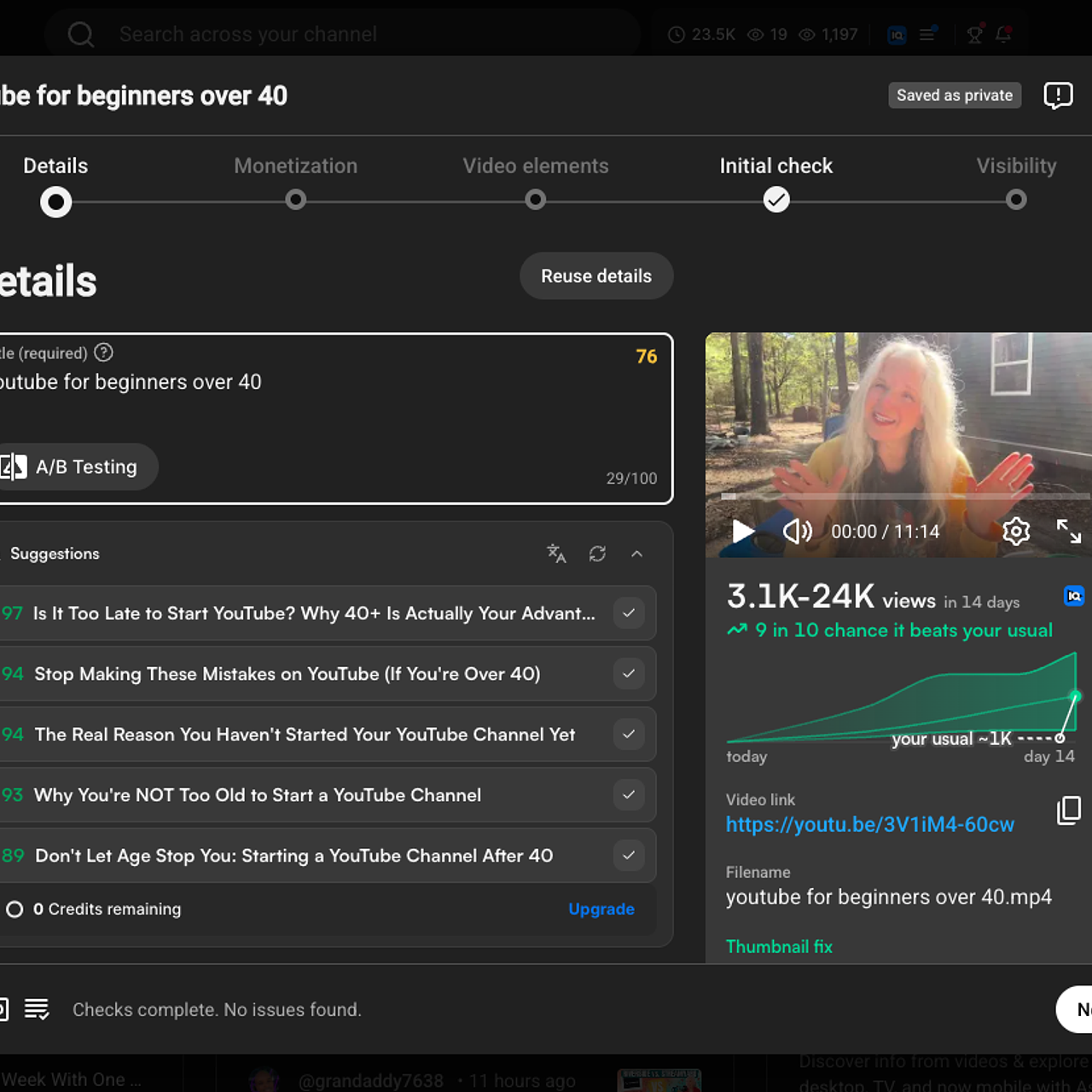
Set up your playlist on YouTube, then watch over my shoulder as I film and edit video one, using transcript-based editing to cut out the ums, likes, pauses and misspoken words in a single click.
5. Publish & Promote Your Videos & Offer
Publish your video on YouTube the right way, then extend its reach with blog posts, articles, clips published on social media and Pinterest.
6. Rinse & Repeat to Scale Your Income
Turn what you just did into a system you can run for every new playlist and every new offer.
Who it's for
Is this course a fit for you?
This is for you if
- *You have a course, product, service or freebie and want YouTube to send people to it.
- * You're starting from zero or restarting a quiet channel.
- * You want a clear sequence of steps instead of another pile of tips.
- * You'd rather spend an hour making a video than a weekend.
This isn't for you if
- * You want to grow a big audience first and figure out income later.
- * You're looking for advanced studio production or cinematography.
- * You want to go viral rather than building a sales engine.
Get in at the founding price
Join now and lock in the lowest price it will ever have.
Most popular
YouTube Uncomplicated (Beta)
$37
one-time
Everything you need to build a channel that leads to your offer. Don't wait for YouTube to pay you, monetize your channel from the first day.
- ▶︎ 6 video lessons
- ▶︎ Planning worksheets
- ▶︎ YouTube channel setup checklist
- ▶︎ Playlist Video Content Builder AI prompt for vidIQ (PDF and .txt)
- ▶︎ A real example playlist plan to model yours on
- ▶︎ Film-along and edit-along walkthroughs
- ▶︎ Step by step directions on how to upload and publish to YouTube, the right way
- ▶︎ Every new lesson and update, get lifetime access
Questions
Frequently asked questions
- Do I need subscribers or an existing channel?
- No. The course starts with planning and setting up your channel, so you can begin from zero. If you already have a channel, you'll use the same steps to point it toward your offer.
- What if I don't have an offer yet?
- Lesson 1 walks you through choosing one. It doesn't need to be a big course. A simple freebie that grows your email list works, and the example playlist plan in Lesson 3 is built around exactly that.
- Do I need expensive equipment or software?
- No. You can film with what you have. For the playlist plan you'll use a free vidIQ account and the AI tool of your choice. For editing, I show you the paid tool I use and why, but free editors like Canva or CapCut work too.
- Which AI tools does the Playlist Builder work with?
- The prompt works in Claude, ChatGPT, Cursor, Perplexity or Gemini once you connect your free vidIQ account.